
Free
Find your team’s starting point.
$0
Free forever
Start free ↗- 5 members, 1 space, 50 pages
- 2 people editing at once
- Comments and version history
- Search by keywords and meaning
- Read-only AI access via MCP
Write and organize docs together. Publish selected spaces as a branded help center, and connect your AI tools to the same knowledge.
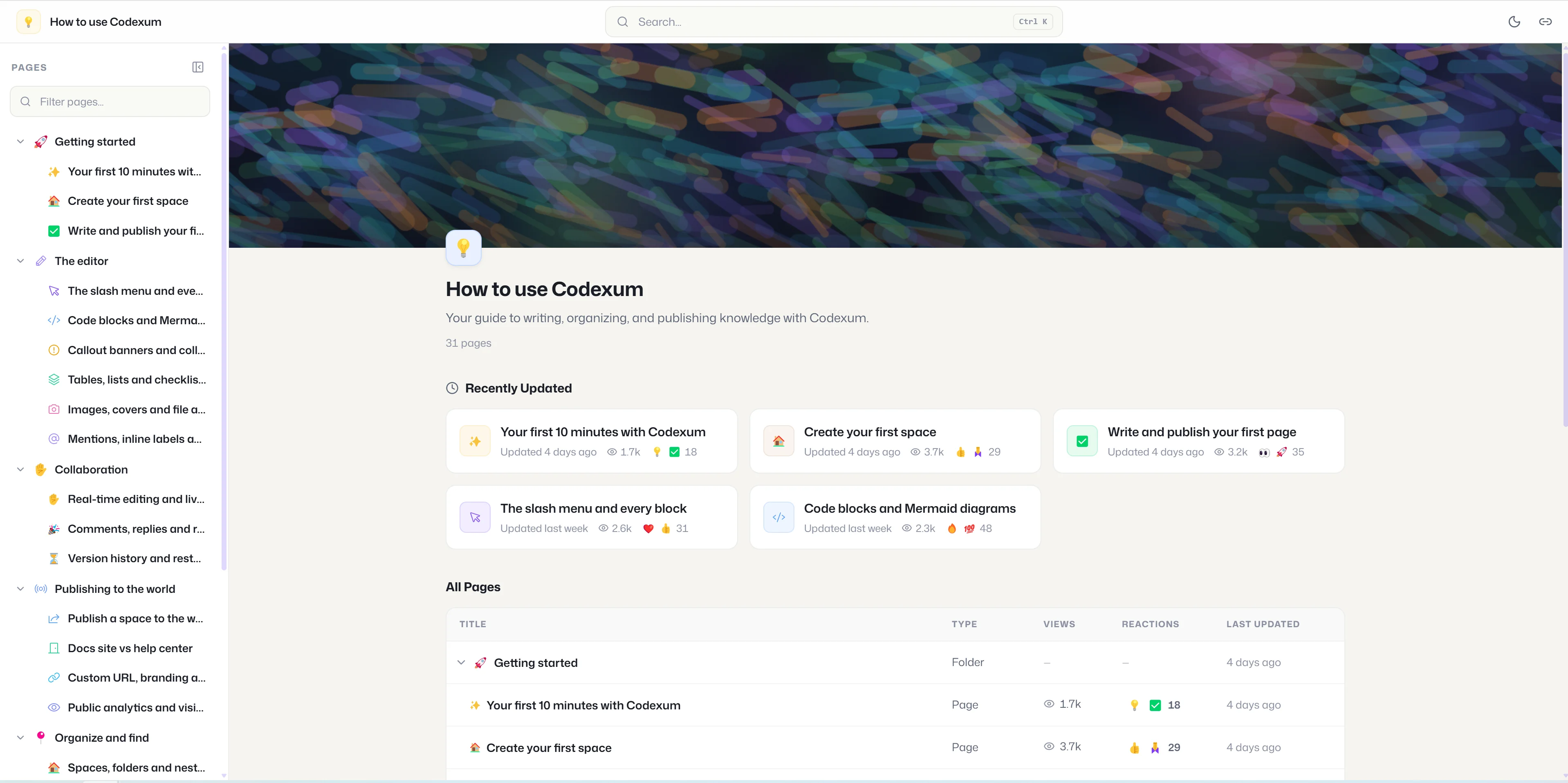
Explore the handbook we write and publish with the same product you’re looking at.
Open the handbookInternal knowledge and public docs, together. Publish selected spaces as a branded docs site or help center. Everything else stays private.
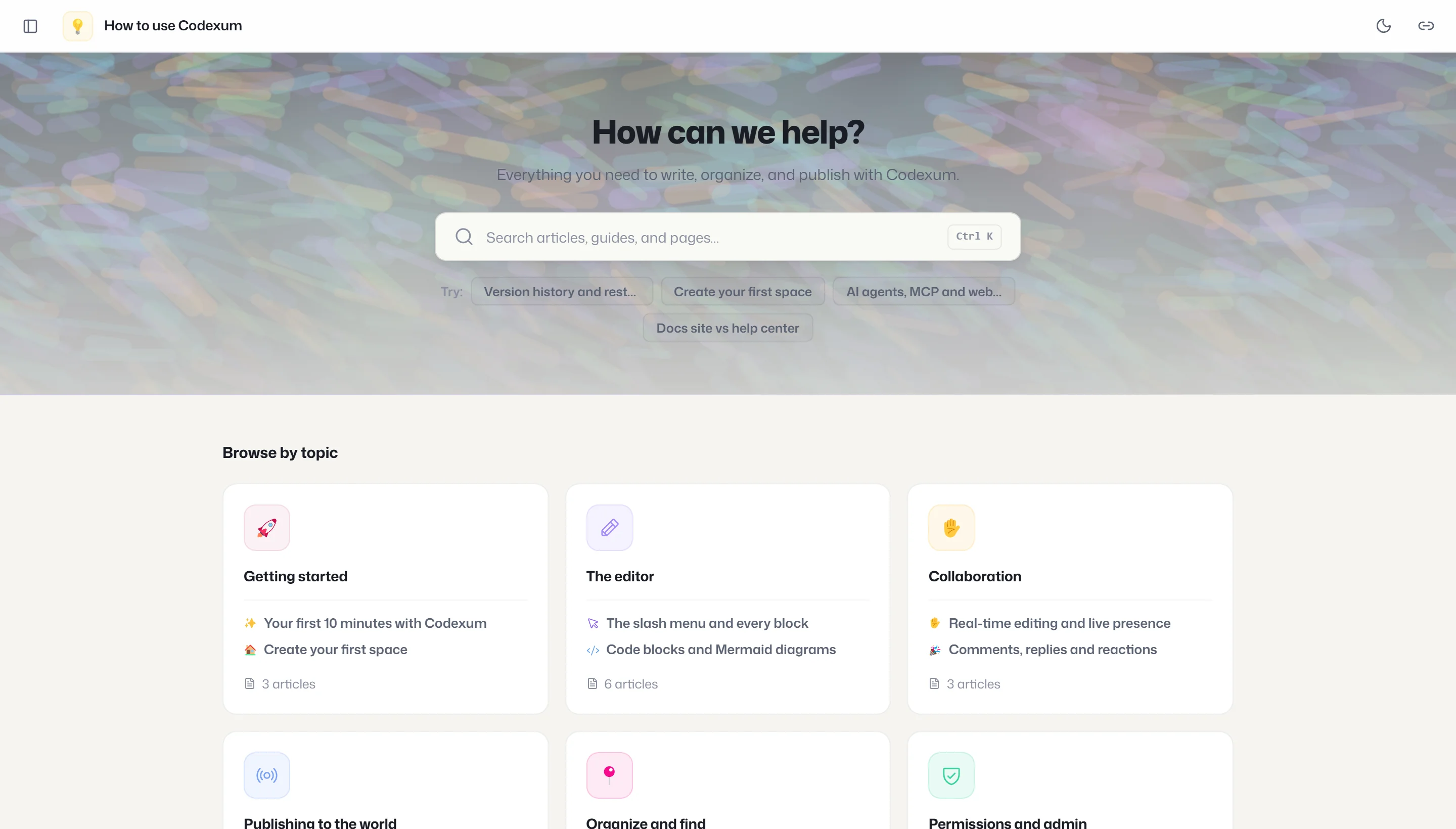
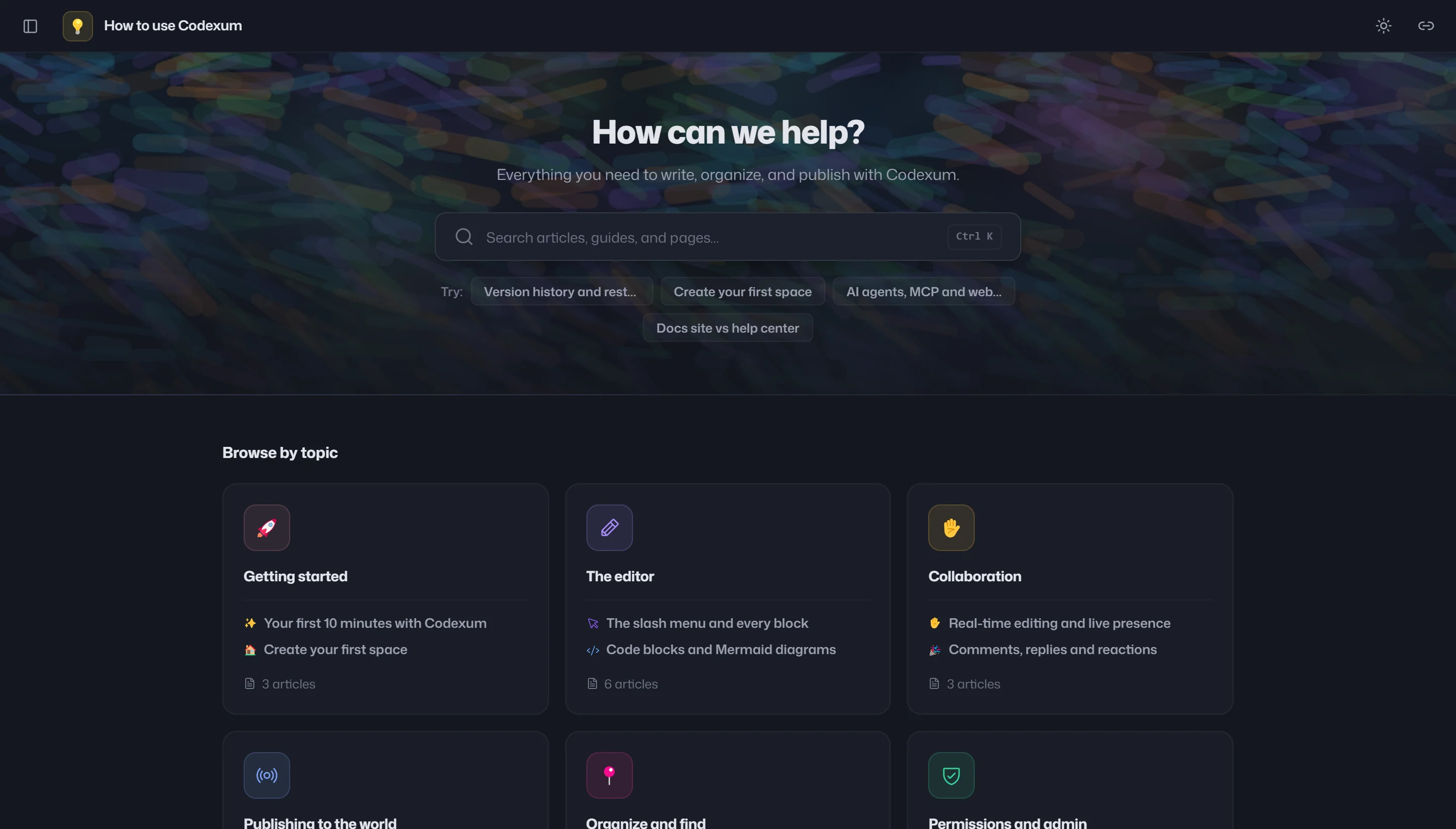
Your cover, accent color, theme, and a custom URL slug.
Search without a login, with sitemaps and share cards for your public docs.
Built-in views, visitor counts, and reactions. Choose what readers see.
Track views, visitors, and reactions over 7, 30, or 90 days. Built-in analytics, with no extra tracking tool to set up.
Show or hide authors, dates, and view counts for each public space. Let readers react with any emoji, or a set you choose.
Search the way you think. Ask “how do we roll back a release?” and find relevant pages by meaning, not just matching keywords.
Connect Claude, Codex, Cursor, or another MCP-compatible tool to your team’s knowledge. Find answers and work with your docs, with access you control.
Import the work you’ve already done. Export a page, folder, or space when you need it. Import and export are available on Pro and above.
Word · Markdown · JSON · ZIP
PDF · Word · Markdown · JSON
Turn any space into a branded public docs site or help center, on a clean custom URL.
Views, unique visitors, and reactions on the same content your team edits - no Google Analytics.
The right page comes up even when your words aren't in it - for people and for agents.
Agents get passages with citations, filtered to exactly what the calling key may see.
Meaning-aware, permission-aware quick switcher.
Agents get the top passages back with citations and relevance scores, permission-filtered.
Turn any space into a branded public docs site or help center with one toggle, on a clean custom URL.
Track views, unique visitors, and reactions over time, no Google Analytics needed.
Co-edit live with cursors and presence.
See who's editing vs just reading.
Type slash to insert any block.
Fenced blocks with language selection and one-click copy.
Write diagrams as code, see them rendered inline.
Resize, merge cells, and pin sticky rows.
Info, warning, error, and success banners.
Hide detail behind expandable sections.
Reference and link workspace members in content.
Reorder blocks by handle, deep-link any block.
Start any page from a reusable workspace- or space-level template.
Page-level and inline-anchored comments with resolve workflow.
React to comments; let public visitors react to pages.
Snapshot every publish, compare versions, and restore in one click.
Refine drafts privately; viewers and agents see only published versions.
Organize content into arbitrarily nested folders.
Reorganize a large knowledge base without breaking it.
Star key pages and jump back into recent work.
Agents search, read, and write your knowledge base from any MCP client.
Agents and search return only what the calling key may see.
Claim a clean public slug with live availability checking.
Sitemaps, share cards, and clean URLs so your docs rank.
Publish a single page to a tokenized, view-only link.
Independent read vs edit access for users or teams, per space and per page.
Group people as permission principals with an @mention alias.
Filterable trail of who changed, shared, or deleted what.
No lock-in: Word, Markdown, JSON, ZIP in; PDF, Word, Markdown, JSON out.
Documented API with scoped keys and Swagger UI.
Slugs and Markdown instead of UUIDs and JSON, built for agents.
Page, comment, and publish events you can replay.
SAML / OIDC, plus email and password.
Per-user theme persisted across Dutify and public docs sites.
Drawer sidebar and touch-friendly layout on phones.
Dutify Cloud and Roadmarq are included with Codexum.
Manage docs, projects, and feature requests in one workspace.
Find your team’s starting point.
Free forever
Start free ↗Build your team’s knowledge base.
Billed annually · $6 billed monthly
Get started ↗Share your knowledge with customers.
Billed annually · $12 billed monthly
Create your workspace ↗Start free, then upgrade to publish.
Create an internal knowledge base with up to 5 members, 1 space, and 50 pages. Use real-time editing for 2 people at once, comments, version history, semantic search, and read-only MCP access. Public docs require Business.
You choose which spaces to publish. Other spaces stay private. Within a public space, readers see published pages, while your team can keep working on drafts.
Yes. On Pro and above, import Word, Markdown, JSON, or a ZIP of files, including embedded images. You can also export pages, folders, or spaces as PDF, Word, Markdown, or JSON.
Choose a custom slug for your public space. For example, our handbook is at codexum.dutify.ai/public/wiki/how-to-codexum. Contact us to discuss your domain requirements.
Connect your tool using a scoped API key. Search and retrieval use the permissions granted to that key. Read-only tools are included on Free; write tools are available on Pro and above.
Your public sites become private. Your pages, spaces, and version history remain, and you can publish again when you return to an eligible plan.
A shared home for your team. A helpful resource for your customers.
Better context for the tools you already use.